
Home » Digital Signature

Paperless Signing
OTP Verification
Real-Time Tracking
01

EazeeSign accepts PDFs, Word files and scanned images — no reformatting needed before you start.

Pick a verified digital signature to sign legal, financial or compliance documents. Also for everyday internal approvals, a simple e-signature works fine.
02

Complete the authentication step with the help of any suitable method — OTP, Aadhaar eSign, or your configured verification option.
03

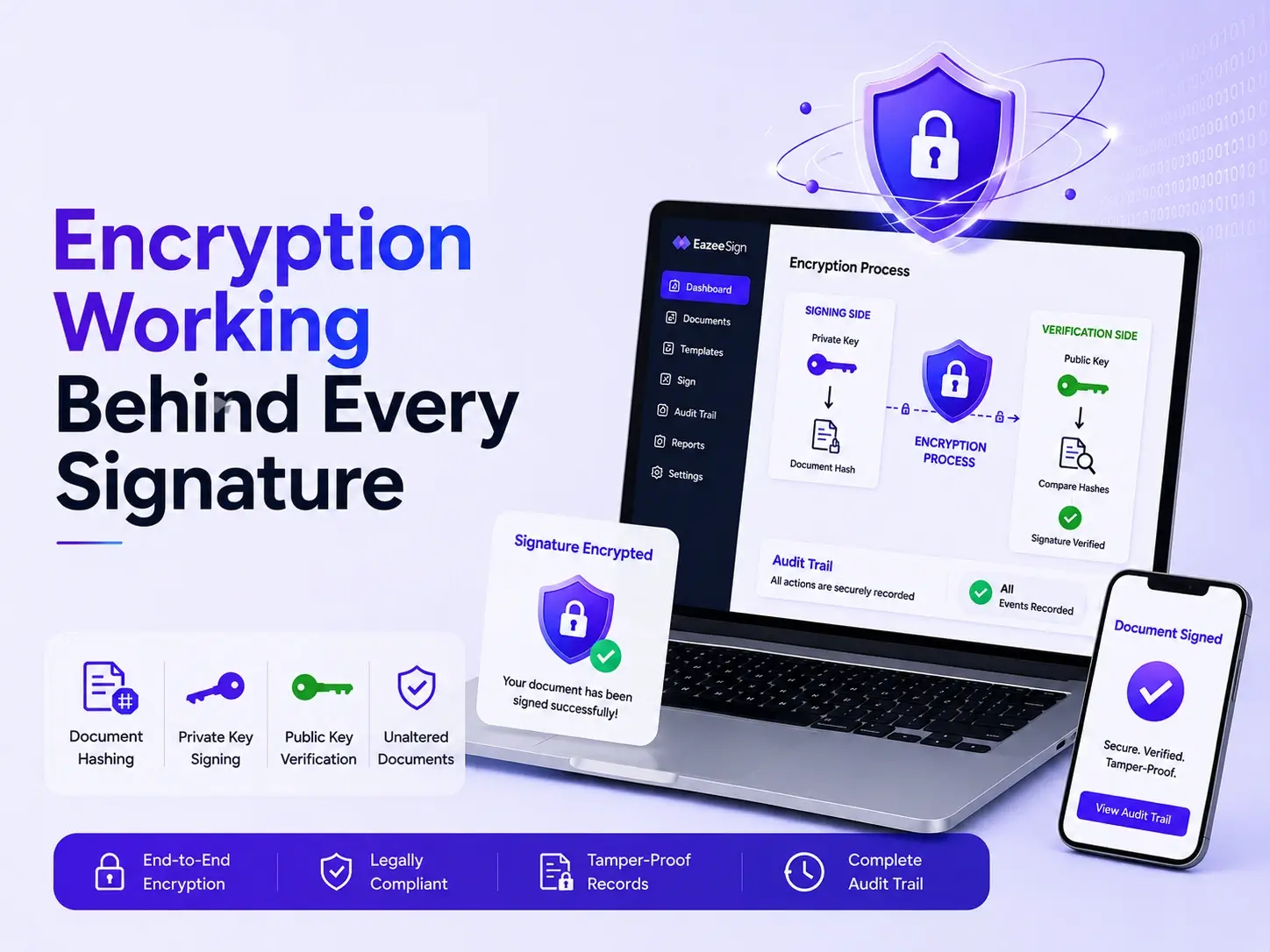
One click is all it takes. EazeeSign handles the rest — encrypting the document, attaching a timestamp and binding a digital certificate automatically.
04

Send the signed document directly from the platform or download it. Either way, every copy carries its own audit trail — verifiable by anyone who receives it.
05
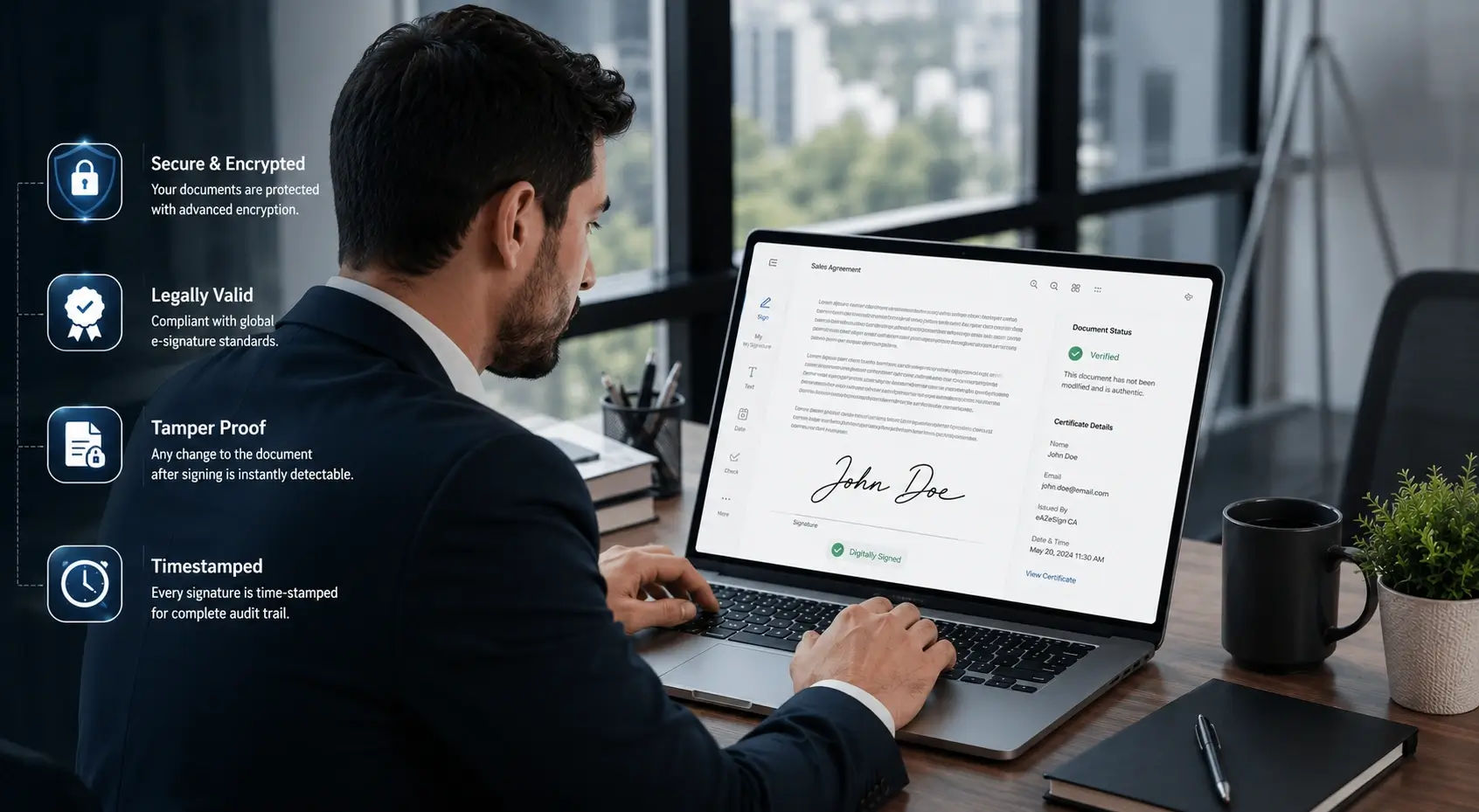
Your identity is verified and bound to the document
A precise timestamp is attached at the moment of execution
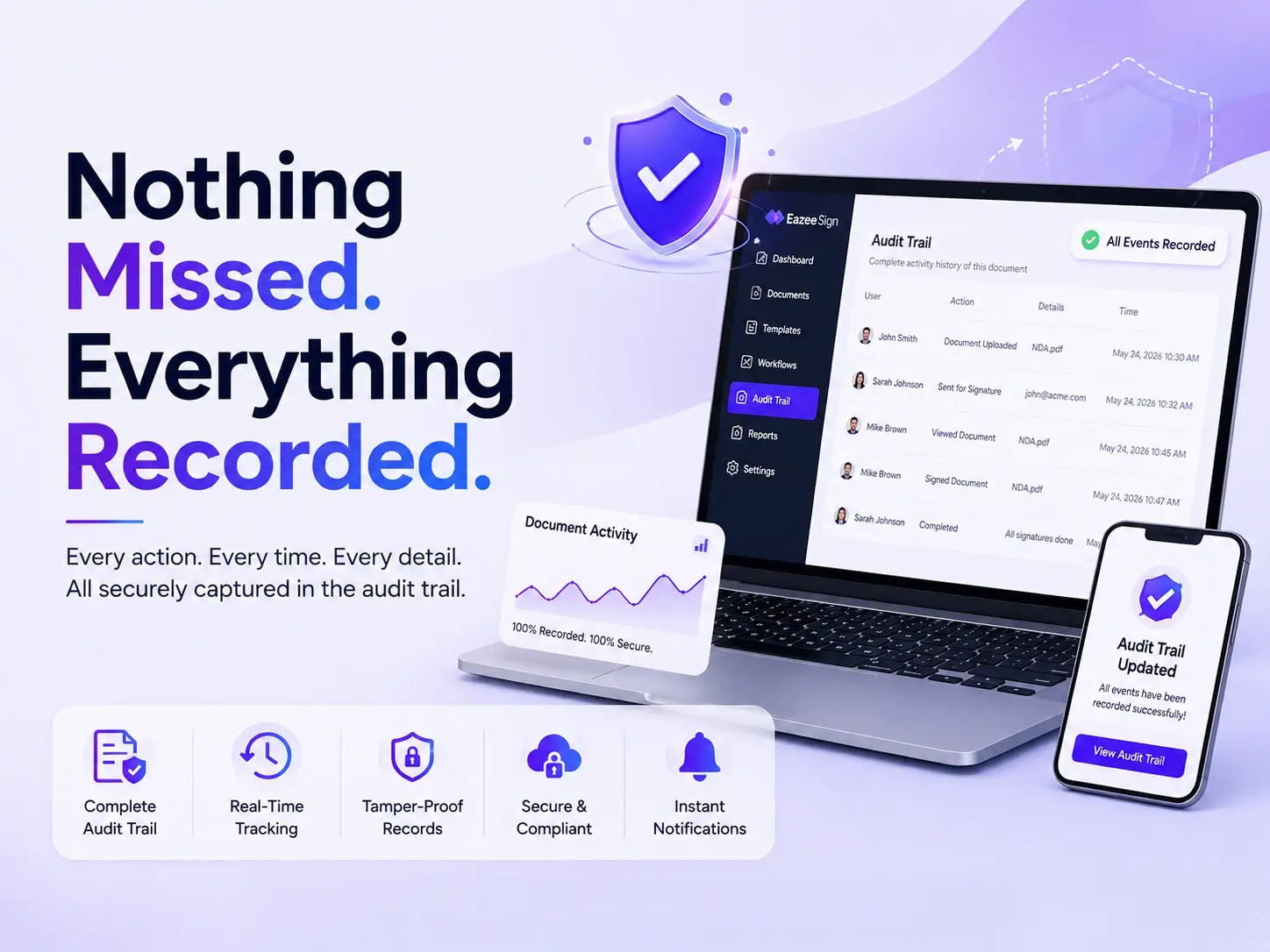
Tamper-evident encryption flags any change made after signing
A complete audit trail records every step of the signing process
| Digital Signature | Electronic Signature | |
|---|---|---|
| What it is | An encrypted signature created with a private key, tied to a verified identity. | A general term for any electronic mark used to show approval — typed, drawn, or clicked. |
| Identity check | Verified through a digital certificate or government-backed eSign service. | Usually just an email link or login; identity is not strongly confirmed. |
| Tamper detection | Built in. Any change after signing breaks the signature instantly. | Not guaranteed. A signed file can sometimes be edited without detection. |
| Legal weight | Recognised as strong evidence under the IT Act, 2000. | Valid for many everyday uses, but offers a lower evidence standard. |
| Best used for | Contracts, loan documents, compliance filings, government forms. | Internal approvals, HR forms, low-risk acknowledgements. |
Fully aligned with India's core digital signature legislation
Government-recognised identity verification built in
Certificates from licensed, government-recognised sources only
Enterprise-grade security standards
Attached to every signed document, automatically
Sign from any device or embed signing into your own platform
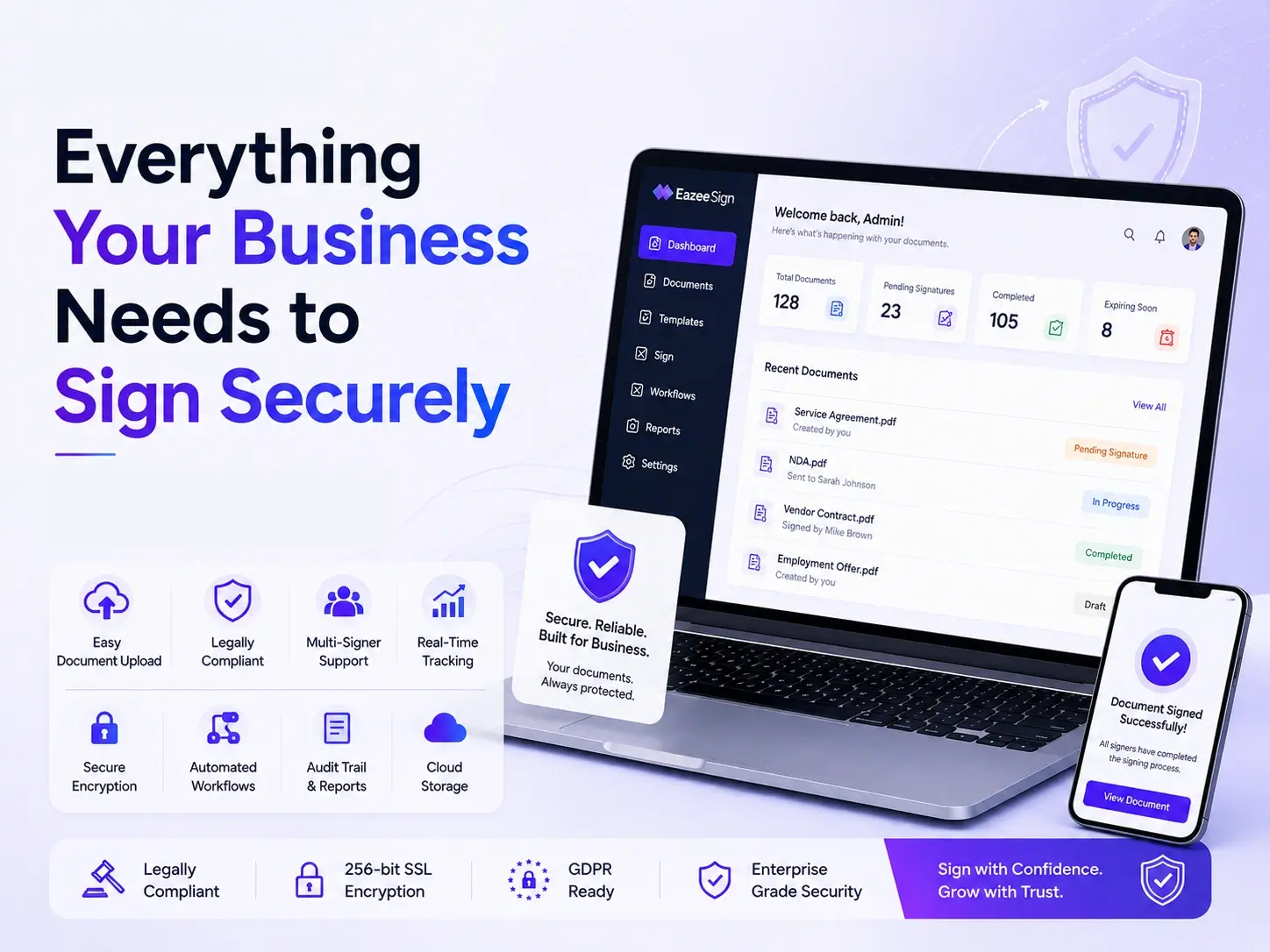
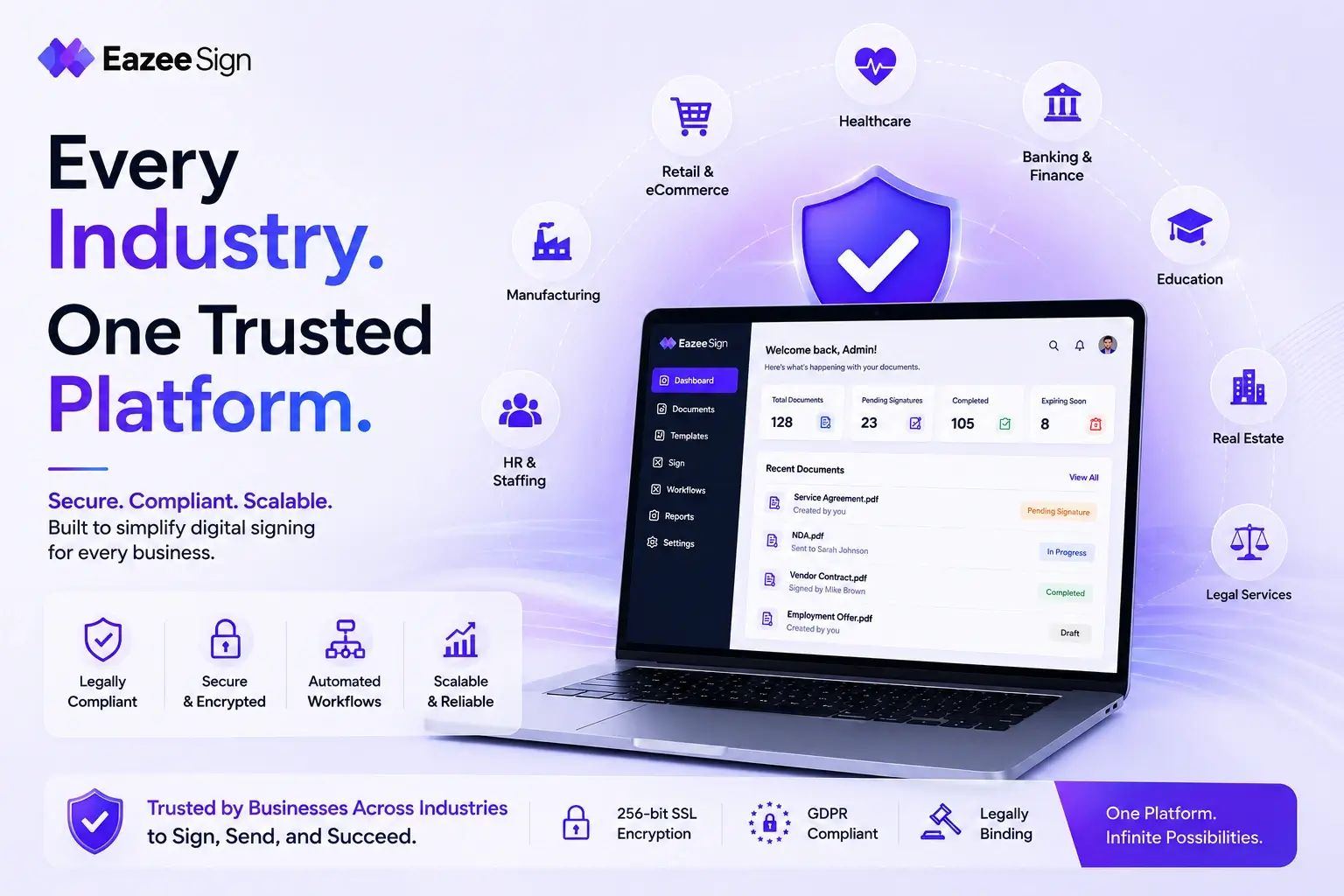
Digital signatures hold up wherever a document needs to be legally binding and tamper-proof:

Documents move in minutes — no waiting on couriers, printers, or in-person meetings.

Eliminate printing, scanning, courier fees, and physical storage from your workflow.

Built-in fields and validation prevent missed signatures and incomplete submissions.

Every action is logged. Audits and disputes resolve in minutes, not days.

Any device. Any location. No physical presence required.
Every signature created through EazeeSign is backed by recognised security and legal standards:
Link your digital certificate to a licensed, trusted issuer.
Data security and handling practices independently assessed against these standards.
A Digital Signature Certificate is an electronic credential issued by a licensed Certifying Authority that confirms the identity of the person or entity signing a document. It works on public key cryptography — binding a signer’s identity to a unique digital key pair, one public and one private, so that any signed document can be traced back and verified without dispute.
Legally, a DSC carries the same weight as a handwritten signature under the Information Technology Act, 2000. Section 3 of the Act specifically recognizes digital signatures as valid for authenticating electronic records, which is why digital signature certificate are accepted across government portals, courts and regulatory filings in India. Without a DSC, most statutory filings involving companies, GST, or income tax simply cannot be submitted online.
Class 3 Digital Signature Certificate further splits based on who’s signing:
A token based Digital Signature Certificate is the traditional way but still preferred for government tenders, GST filings, company registrations and court e-filing. It comes stored on a physical USB token and the application process runs through a Certifying Authority licensed by the Controller of Certifying Authorities (CCA) under the IT Act 2000.
The process follows a fixed sequence. Here’s how it typically goes:
For organizational certificates, there’s an extra step: an authorization letter from the company, along with the organization’s PAN and incorporation documents, since the certificate needs to bind both the individual’s identity and their authority to sign on the company’s behalf.
The exact list varies slightly by Certifying Authority but most applications fall into two categories: individual applicants and organizational applicants.
For Individual Applicants
For Organizational Applicants
Business owners, company directors, or authorized signatories need everything above, plus:
For Foreign Nationals or NRIs
| Factor | USB Token DSC | Cloud DSC |
|---|---|---|
| Physical hardware | Required | Not required |
| Signing speed | Slower, needs token + software | Instant, browser or app based |
| Best for | High-security filings, tenders, court submissions | High-volume signing, remote teams, businesses |
| Risk if lost | Token must be reissued | No physical loss risk |
| Setup | Driver installation needed | None |
| Component | Approximate Price Range |
|---|---|
| Class 3 Signing (1 year) | ₹800 – ₹1,200 |
| Class 3 Signing (2 years) | ₹950 – ₹1,600 |
| Class 3 Signing (3 years) | ₹1,400 – ₹2,500 |
| Class 3 Combo (Signing + Encryption) | ₹1,500 – ₹3,000 |
| USB Token (if not already owned) | ₹600 – ₹800 |
| Video KYC / verification fee | Often bundled, sometimes charged separately (~₹700) |
Note: Video KYC has been mandatory for all new DSC applications since April 2021, per CCA and MeitY requirements, so that cost isn’t optional no matter which provider gets chosen. GST at 18% typically applies on top of the base certificate price and organizational DSCs usually cost more than individual ones because of the extra document verification involved.
A Digital Signature Certificate isn’t permanent. The CCA mandates fixed validity windows and once a certificate expires, it stops working entirely until renewed.
Validity options run for 1, 2, or 3 years, chosen at the time of application. Longer validity costs more upfront but avoids the hassle of repeating KYC and document verification every twelve months.
Renewal follows almost the same steps as a fresh application:
It’s worth starting the renewal process at least a week or two before expiry. Once a DSC lapses, any filing that depended on it, GST returns, MCA submissions, tender bids, simply cannot go through until a valid certificate is back in place. There’s no grace period built into most government portals.
Digital Signature Certificate shows up across nearly every regulatory and compliance touchpoint in Indian business:
Beyond these, DSCs also apply to trademark filings, court e-filing, ROC compliance and signing encrypted business emails.
| Provider | Known For | Typical Fit |
|---|---|---|
| eMudhra | Largest market share, widest RA network | Businesses wanting broad support coverage |
| Capricorn | Competitive pricing, fast issuance | Cost-conscious individual applicants |
| VSign | Budget-friendly, simple process | Small businesses, first-time applicants |
| NSDL (Sify/Protean) | Older, government-linked legacy provider | Applicants needing legacy government portal compatibility |
Process
The application follows the same core steps as a domestic DSC, Certifying Authority selection, document submission, video verification, but documents often need apostille or notarization depending on the country of origin. Passport replaces PAN as the primary identity document in most cases and processing tends to take slightly longer due to the extra verification layer.
Use Cases
Common scenarios include NRI directors signing MCA filings for an Indian subsidiary, foreign nationals executing property or legal documents remotely and overseas business owners handling GST or tax compliance for an Indian branch without needing to travel back for each filing.


