

Paper feels slow now and honestly, it is. Most teams today don’t have the patience (or time) to print, sign, scan and resend documents again and again. That entire loop feels outdated. This is where a document signing app comes in and quietly fixes the problem without making a big deal about it.
Let’s break this down properly. No fluff. Just real understanding.
What is a Document Signing App?
A document signing app is a tool that lets you sign documents digitally. No paper. No pen. No physical presence needed.
You upload a file, add your signature and send it. Done.
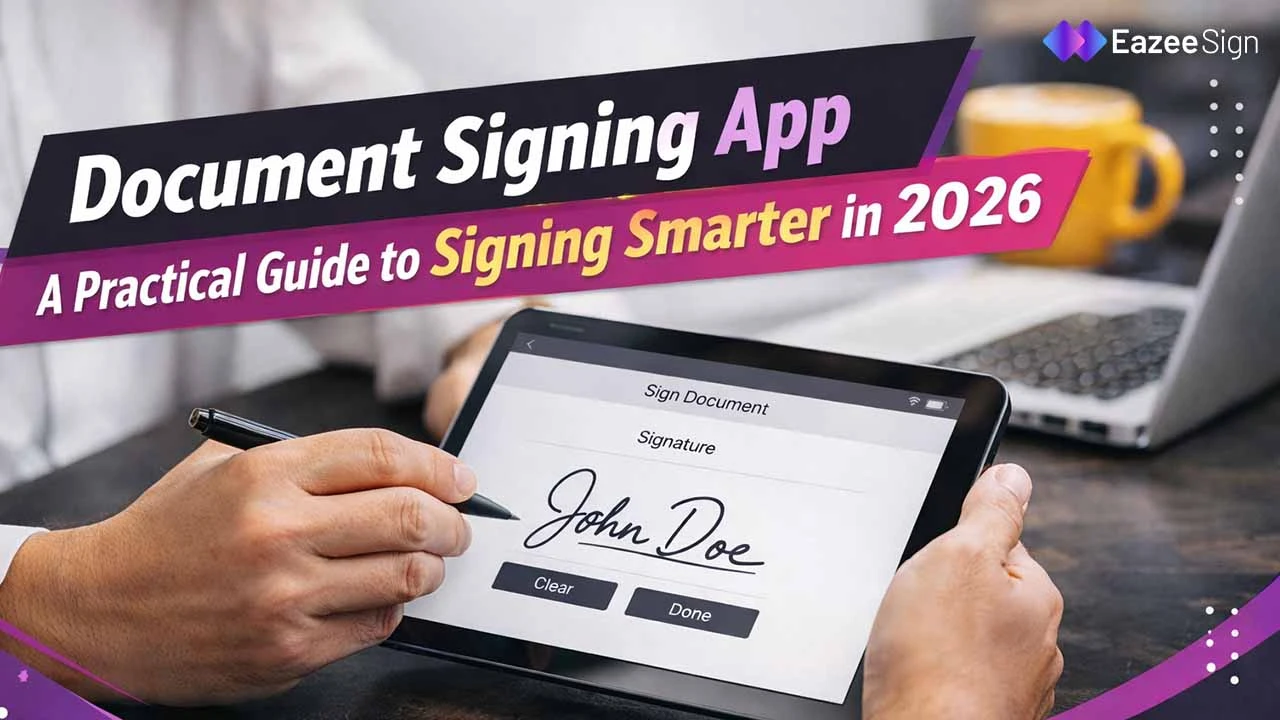
Sometimes it’s even simpler than that. You open a document on your phone, tap a few times and it’s signed. That’s it.
Most modern apps also do more than just signing. They help you:
- send documents to others
- track who opened them
- manage approvals
- store everything in one place
This shift is not just about convenience. It’s about speed and control.
Why People Are Switching to Document Signing Apps
Manual signing still exists at many places, but it’s fading. The problem isn’t just effort. It’s a delay. A simple agreement can take days just because someone hasn’t signed it yet. With a digital signature app, that delay disappears.
Here’s what changes:
- Documents move instantly
- Approvals happen in minutes
- No courier or printing costs
- Everything is trackable
Even small businesses have started using these tools because the difference is very visible in daily work.
And yes, it also reduces human errors. No missing pages. No unclear signatures.
Types of Document Signing Apps
Not all apps work the same way. Some are basic. Some are built for enterprise workflows. Let’s look at the common types.
1. Basic Signing Apps
These are simple tools. You upload a file, draw or type your signature and send it. That’s it. Good for freelancers or small teams.
2. Digital Signature Apps
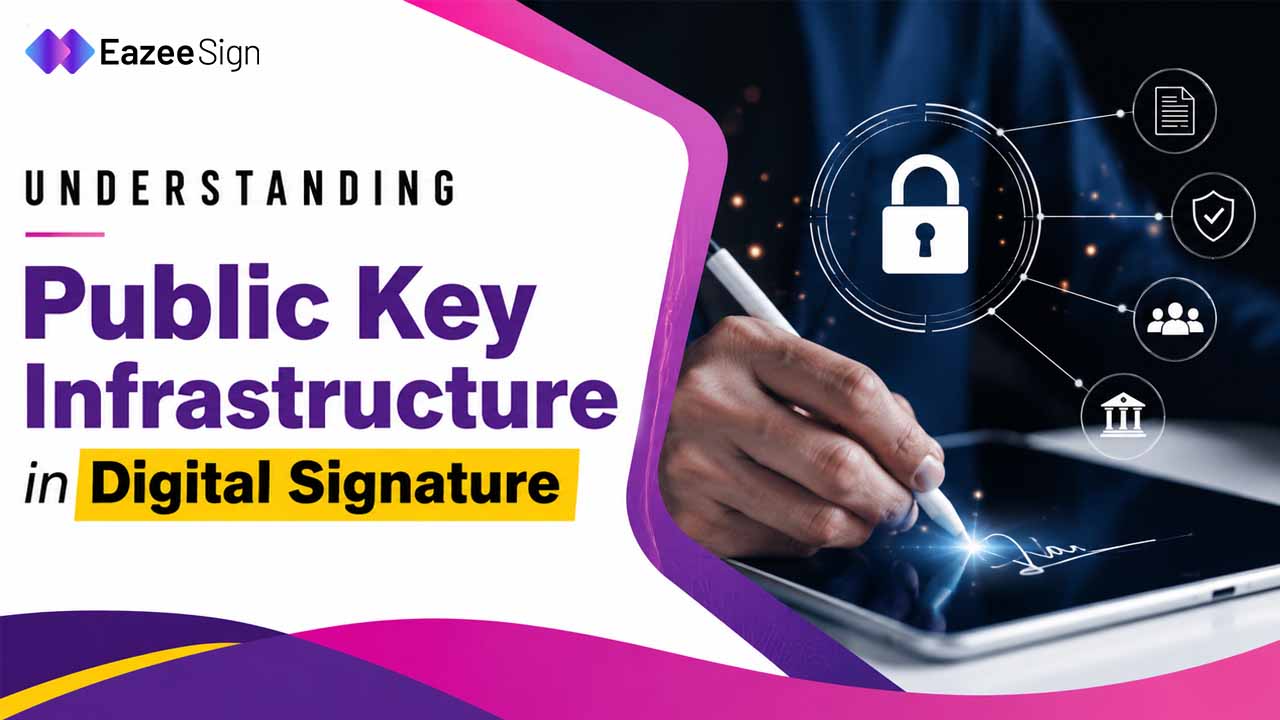
These go deeper. They use encryption and identity verification. Your signature is not just an image, it’s secure and verifiable. These are often used for legal or financial documents.
3. Workflow-Based Apps
These are built for teams. You can set signing order, assign roles, track progress and automate reminders. Very useful in HR, sales and operations.
4. AI-Enabled Signing Apps
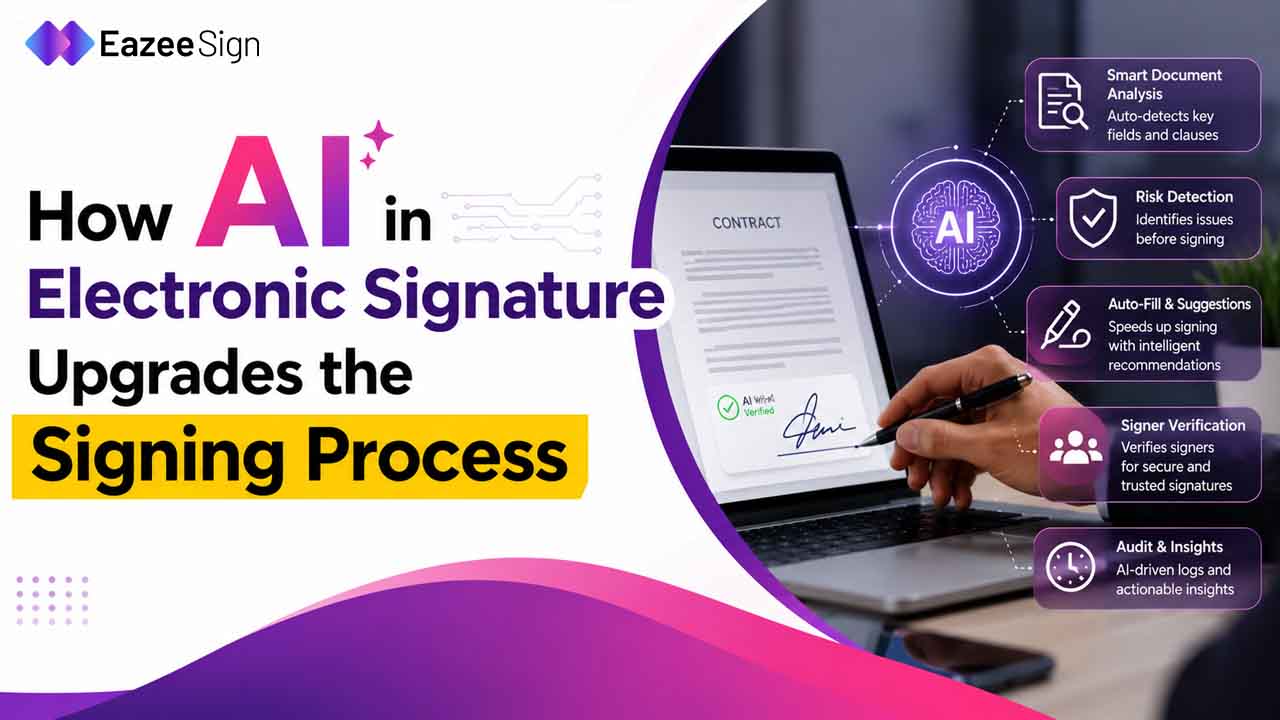
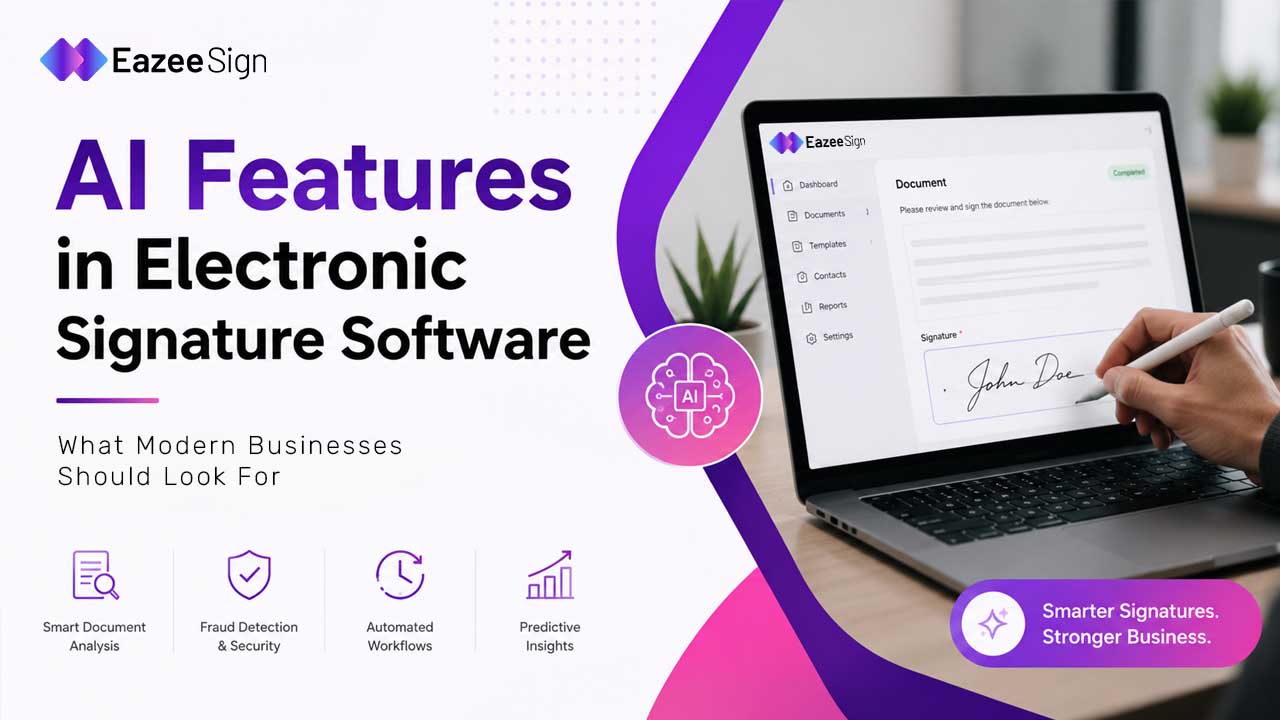
This is where things get interesting. Modern tools now include AI features like:
- Document summarization
- Clause detection
- Risk identification
So before signing, you actually understand what you’re signing. That saves time and avoids mistakes.
Key Features to Look For in a Document Signing App
Not every app is worth using. Some look good but fail in real workflows. Here are features that actually matter.
Easy Signing Options
You should be able to:
- draw signature
- type signature
- upload existing signature
Multi-Party Signing
Documents rarely involve one person. A good app allows multiple people to sign the same document without confusion. You can even set the order of signing.
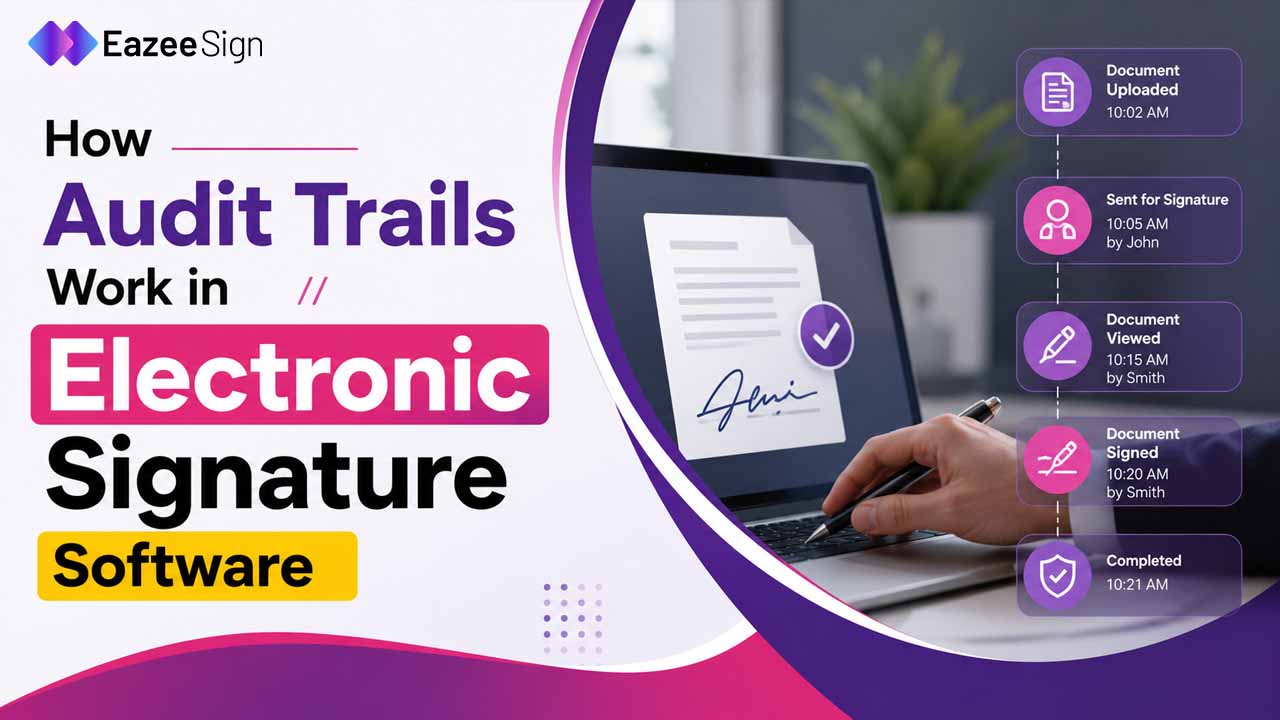
Audit Trail
This is important. Every action should be recorded. Who opened the document. Who signed. When it happened. This helps in compliance and verification later.
Security and Access Control
Documents often contain sensitive data. Look for features like:
- encryption
- role-based access
- authentication
These ensure only the right people can access or sign.
Automation
Manual follow-ups are annoying. A good signing app sends reminders automatically. It keeps things moving without constant effort.
Integration with Other Tools
You don’t want another isolated tool. The app should connect with tools like CRM, cloud storage, or email platforms. This keeps your workflow smooth
Are Document Signing Apps Legal?
Short answer. Yes.
The Information Technology Act 2000 recognize the electronic signatures in India and provides them with legal status for official use. The statement establishes that digitally signed documents possess the same legal value as physical documents when proper authentication procedures are followed.
This is why businesses confidently use digital signature apps for:
- contracts
- agreements
- HR documents
- compliance paperwork
The law supports it. The ecosystem is already built.
Digital Signature App vs Scan Signature App
People often confuse these two. Let’s clear it.
Scan Signature App
This is basically an image. You scan your handwritten signature and paste it on a document. Simple, but not very secure.
Digital Signature App
This uses encryption. It verifies identity and ensures the document is not altered after signing. It’s more reliable and widely used for official work.
So if you’re handling important documents, digital signature apps are the better choice.
Popular Example: DocuSign
You’ve probably heard of this one. It’s one of the most widely used document signing apps globally. Many businesses use it for contracts and approvals.
But here’s the thing.
It’s not the only option anymore. There are many alternatives now, especially ones focused on local compliance, pricing, and ease of use. So choosing a tool depends on your needs, not just brand name.
Free Signing Apps: Are They Enough?
This depends. Free signing apps are good for:
- basic document signing
- small teams
- occasional use
They usually include:
- limited document uploads
- basic signature features
- simple workflows
Some platforms even offer free trials with full access for a limited time.
But once your usage grows, you’ll need advanced features like:
- bulk sending
- analytics
- integrations
- advanced security
That’s where paid plans make sense.
Real-World Use Cases of Document Signing Apps
This is where things become practical.
HR Teams
Offer letters, onboarding documents, policies. Everything can be signed remotely.
Sales Teams
Contracts and proposals can be signed instantly. Deals close faster.
Freelancers
No need to chase clients for signatures. Send and track everything online.
Legal Teams
Secure and verifiable signatures help maintain compliance and reduce disputes.
Small Businesses
Even basic operations become smoother. Less paperwork, more focus on actual work.
Challenges You Might Face
Not everything and all esigning app are perfect. Some common issues:
Resistance to Change
Some people still prefer physical signatures. It takes time to shift mindset.
Learning Curve
Advanced tools may feel complex at first. But most platforms are now designed to be simple.
Security Concerns
People worry about data safety. But modern apps use strong encryption and compliance standards to protect documents.
How to Choose the Right Document Signing App
Don’t overcomplicate it.
Ask yourself:
- Do I need simple signing or full workflow management?
- How many documents do I handle daily?
- Do I need integrations?
- Is compliance important for my work?
If your usage is basic, go with a simple tool. If you handle contracts, teams, or approvals regularly, go for a complete platform.
The Future of Document Signing Apps
It’s not just about signing anymore. The shift is happening towards intelligent document handling.
Modern apps now:
- analyze documents
- detect risks
- suggest improvements
- automate workflows
AI is slowly becoming a core part of this space. So instead of just signing documents, you’re actually understanding and managing them better.
Final Thoughts
Document signing apps are no longer optional. They’ve become part of how work happens today. Faster, cleaner, more controlled.
And once you start using one properly, going back to manual signing feels… honestly, frustrating.
If your work involves documents, approvals, or contracts, switching to a document signing app is not just a good idea. It’s almost necessary now.