


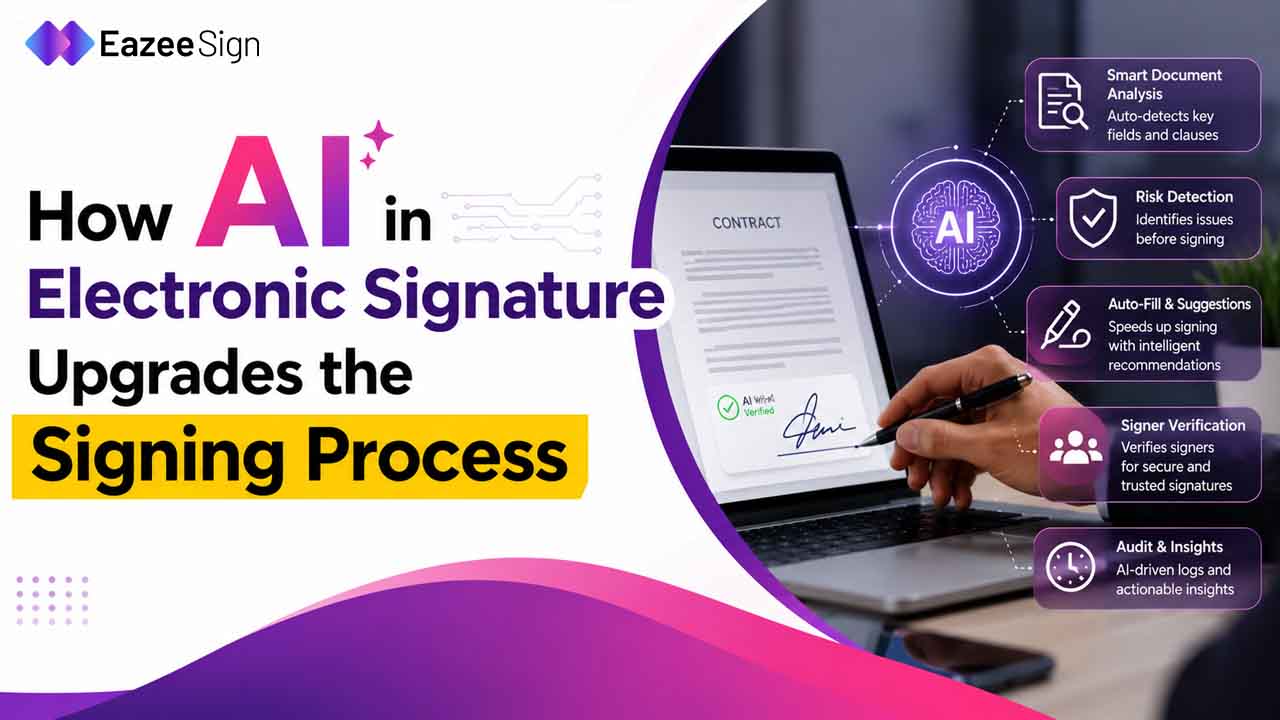
How AI in Electronic Signature Upgrades the Signing Process for Indian Businesses
Most Indian companies think that going paperless has solved their paperwork problem. It didn’t. It solved the printing

Home » Electronic Signature

Paperless Signing
OTP Verification
Real-Time Tracking
Documents Signed
01


02

03

04

05
Managing documents manually slows teams down. EazeeSign helps simplify document signing workflows so approvals move faster and documents stay organized.
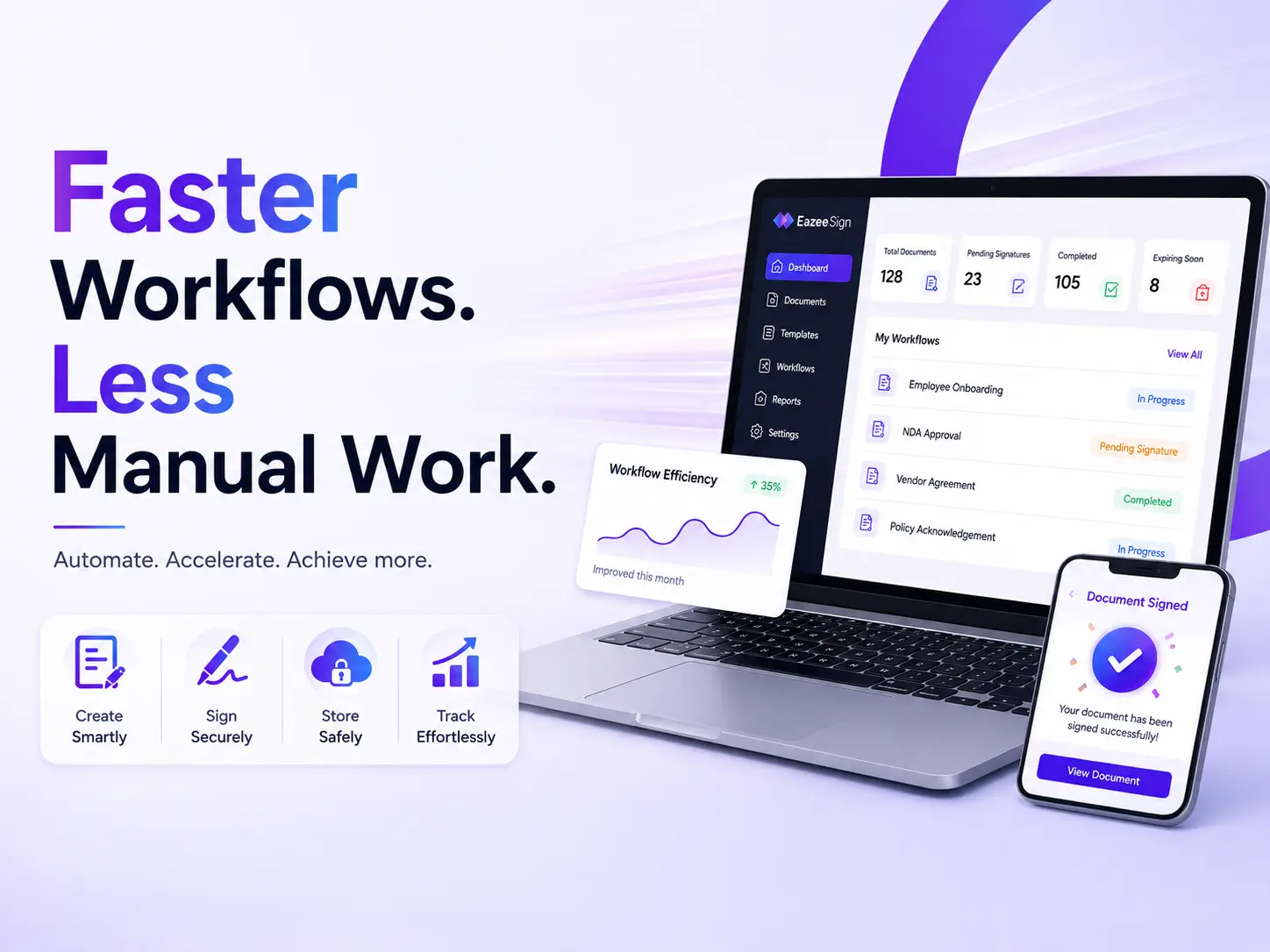
Reduce delays with quick document sharing, reminders, and real-time signing updates that help teams move faster.
Track document activity instantly with live status updates, notifications, and complete visibility into every workflow.
Send multiple documents together and simplify repetitive signing tasks for teams handling high document volumes.
Eliminate printing, scanning, and manual paperwork with fully digital document signing and management workflows.
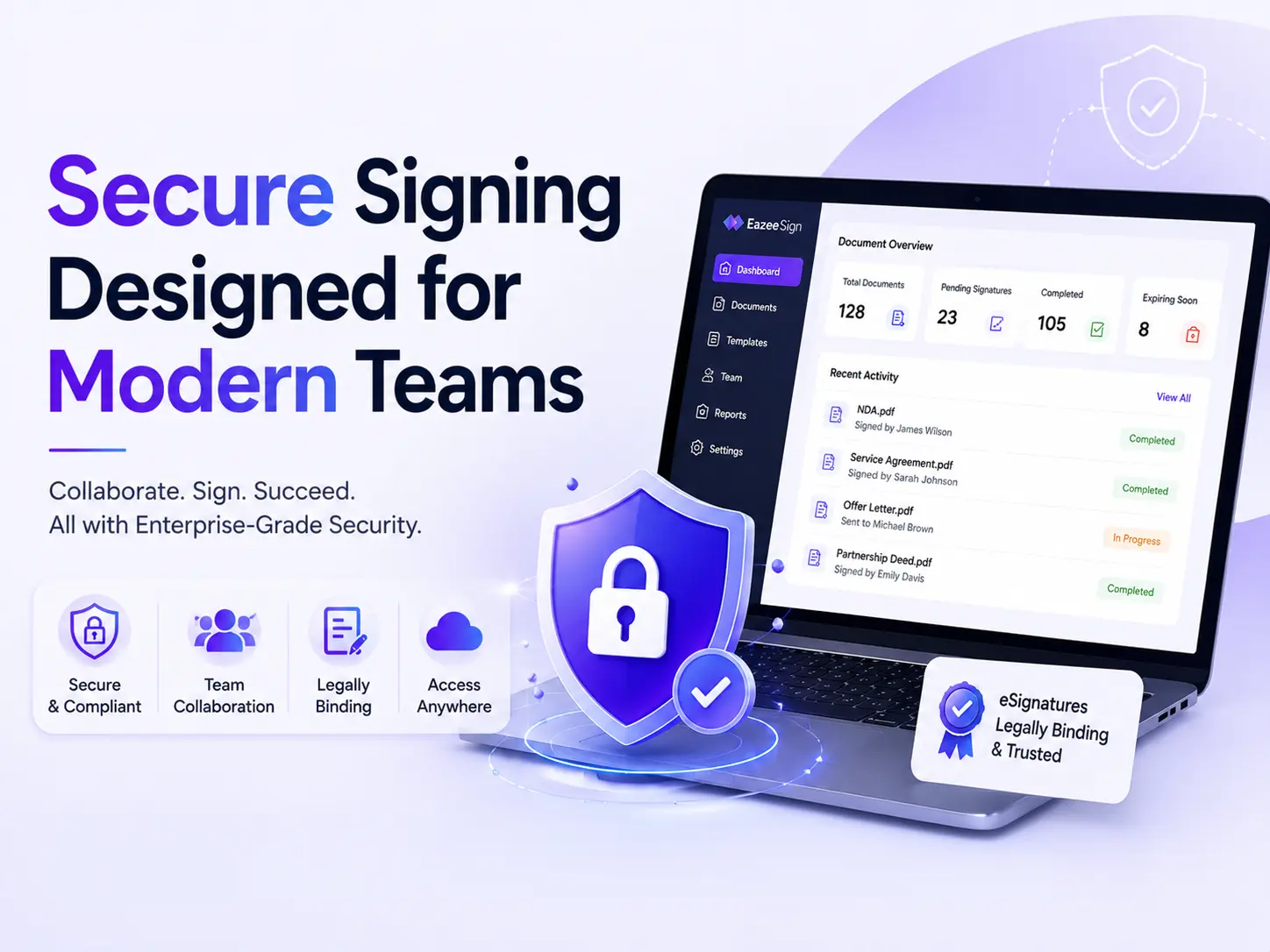
Protect sensitive documents with OTP verification, audit trails, and secure signer authentication features.
Send and sign documents from desktop, tablet, or mobile devices without depending on physical paperwork.
Recipients can review and sign documents directly from email without creating an account or learning new tools.
Keep agreements structured with document search, filters, storage, and easy access to completed workflows.
Track document activity, send reminders, and monitor signing progress without switching between emails and spreadsheets. Everything stays visible in one place.

Documents prepared and ready for sending.
Documents shared securely with recipients.

Track when recipients open and review documents.

Monitor completed signatures and finalized workflows.
Businesses use electronic signatures for contracts, HR documents, vendor agreements, approvals and everyday paperwork. The result is faster document turnaround, less manual work and a more organized signing process.
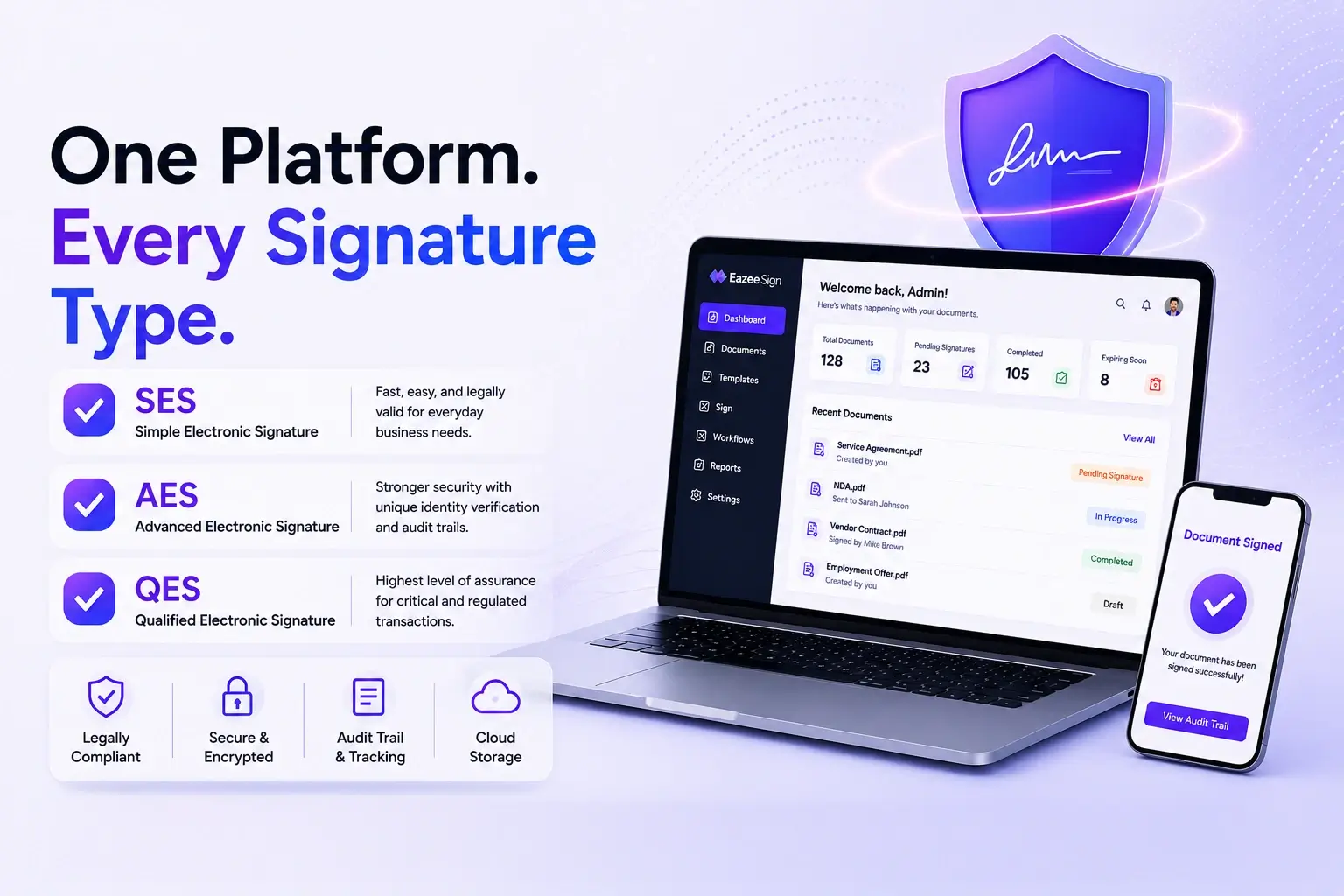
Basic electronic approval for everyday documents.
Verified signing with stronger authentication.
Highest level of trust for regulated transactions.
Many industries deal with approvals, agreements, onboarding documents, and operational paperwork every day. Electronic signatures help simplify these workflows and reduce delays caused by manual documentation.
| Category | Electronic Signature | Traditional Signature |
|---|---|---|
| Signing Process | Documents are signed digitally using a computer, tablet, or smartphone. | Documents are printed, signed by hand, and scanned or mailed back. |
| Speed | Documents can be signed and completed within minutes. | Approvals may take days due to printing, courier services, and manual follow-ups. |
| Accessibility | Sign from anywhere using an internet-connected device. | Requires access to physical documents and manual signing. |
| Document Tracking | Real-time tracking shows document status, pending signers, and completion history. | Limited visibility after the document is shared. |
| Storage | Documents are stored securely in digital format and can be retrieved instantly. | Requires physical storage and manual filing. |
| Security | Uses encryption, authentication, and audit trails to help protect documents. | Paper documents can be misplaced, damaged, or altered. |
| Collaboration | Multiple recipients can review and sign documents from different locations. | Sharing documents between multiple signers is slower and often requires physical exchange. |
| Cost | Reduces expenses related to printing, courier services, storage, and paperwork. | Ongoing costs for paper, printing, shipping, and document management. |
| Environmental Impact | Supports paperless workflows and reduces paper consumption. | Relies heavily on paper and physical document handling. |
| Best Suited For | Businesses that need faster, secure, and scalable document signing. | Organizations that still rely on manual, paper-based processes. |
Documents often contain sensitive business information. EazeeSign helps teams manage signing workflows securely with recognized compliance and privacy standards.
EazeeSign supports electronic signing workflows aligned with the Information Technology Act, 2000 in India.
This helps businesses and teams handle approvals, agreements, and document signing digitally with greater speed and convenience.
Document activities remain trackable throughout the signing workflow, helping teams maintain visibility and control.
EazeeSign follows security practices designed to help protect customer information and document workflows during the signing process.
Security measures help reduce unauthorized access and improve document handling reliability.
Documents often contain sensitive information. Security-focused workflows help businesses manage approvals and signing processes more confidently.
ISO 27017 focuses on cloud security controls designed for online platforms and digital systems.
EazeeSign follows practices that help support safer storage and handling of business documents in cloud environments.
Businesses often manage documents across multiple teams and devices. Cloud-focused security practices help maintain better control and visibility.
ISO 27018 focuses on protecting sensitive and personal information stored within cloud-based systems.
This helps businesses manage documents and workflows more responsibly.
Many documents include employee, customer, or operational information. Privacy-focused practices help businesses manage these documents more securely.
ISO 27701 focuses on privacy management practices related to handling and processing information securely.
EazeeSign supports document workflows with greater operational visibility and privacy awareness.
As businesses move toward paperless workflows, privacy management becomes increasingly important during document sharing and approvals.
| Feature | Other eSign Tools | EazeeSign |
|---|---|---|
| Contract Review | Manual contract review takes time. | AI-powered contract analysis speeds up document review. |
| Clause Visibility | Important clauses can be overlooked during review. | AI automatically extracts key clauses for quick visibility. |
| Risk Detection | Risky terms must be identified manually. | AI detects unusual clauses and potential contract risks. |
| Document Comparison | Comparing different versions is time-consuming. | AI compares document versions using semantic analysis. |
| Approval Speed | Multiple review cycles often delay approvals. | AI-assisted workflows help accelerate approvals. |
| Workflow Accuracy | Missing signatures or incomplete fields can delay execution. | AI Readiness Check validates documents before sending. |
| Follow-Ups | Manual reminders require additional effort. | Automated reminders keep signing workflows on track. |
| Workflow Management | Documents are often managed across multiple emails and tools. | Centralized document workflows in one secure platform. |
| Operational Visibility | Limited visibility into document status and signer activity. | Real-time tracking, audit trails, and document status updates. |
| Decision-Making | Teams often review lengthy contracts manually before signing. | AI-generated summaries help users understand documents faster. |
| Error Reduction | Manual reviews increase the chance of missed details. | AI validation helps reduce errors before document execution. |
| Execution Process | Document execution involves repetitive manual tasks. | Smarter, AI-powered workflows improve speed and efficiency. |
Stay updated with expert insights, tips, and trends on digital signatures and smarter document workflows.
Most Indian companies think that going paperless has solved their paperwork problem. It didn’t. It solved the printing
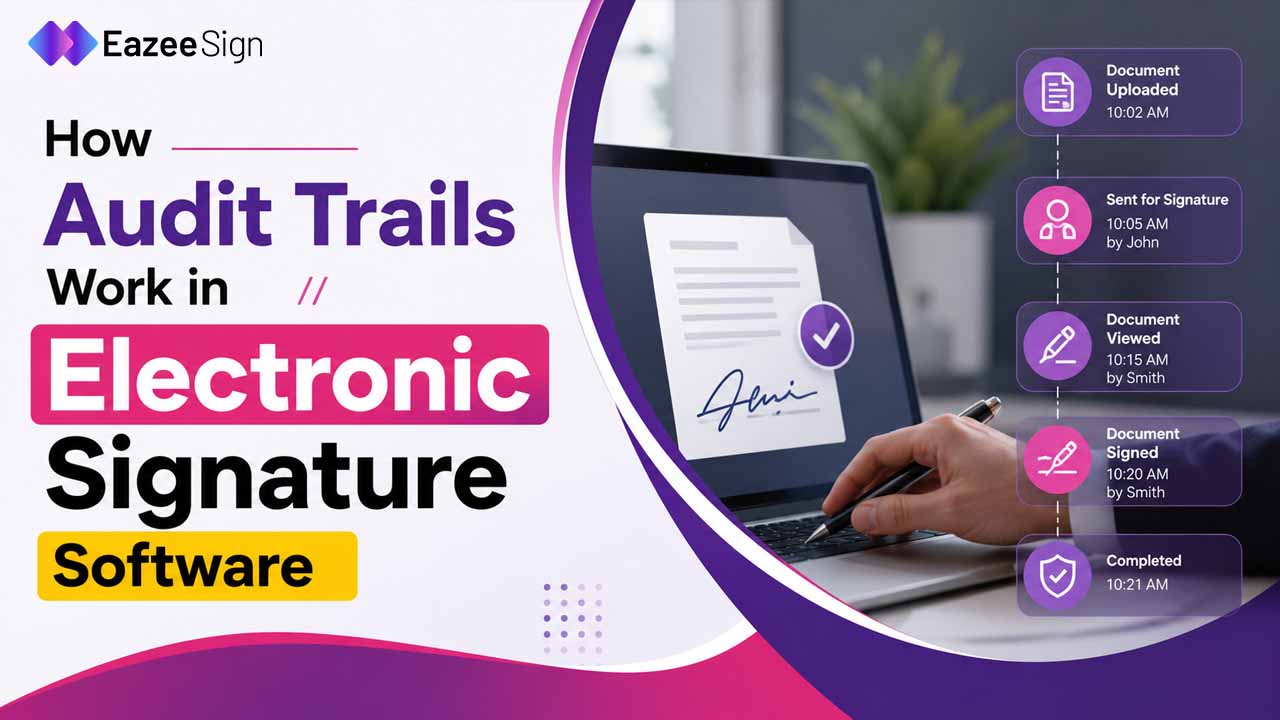
Most people think the signature is the most important part of a signed document — It isn’t, the
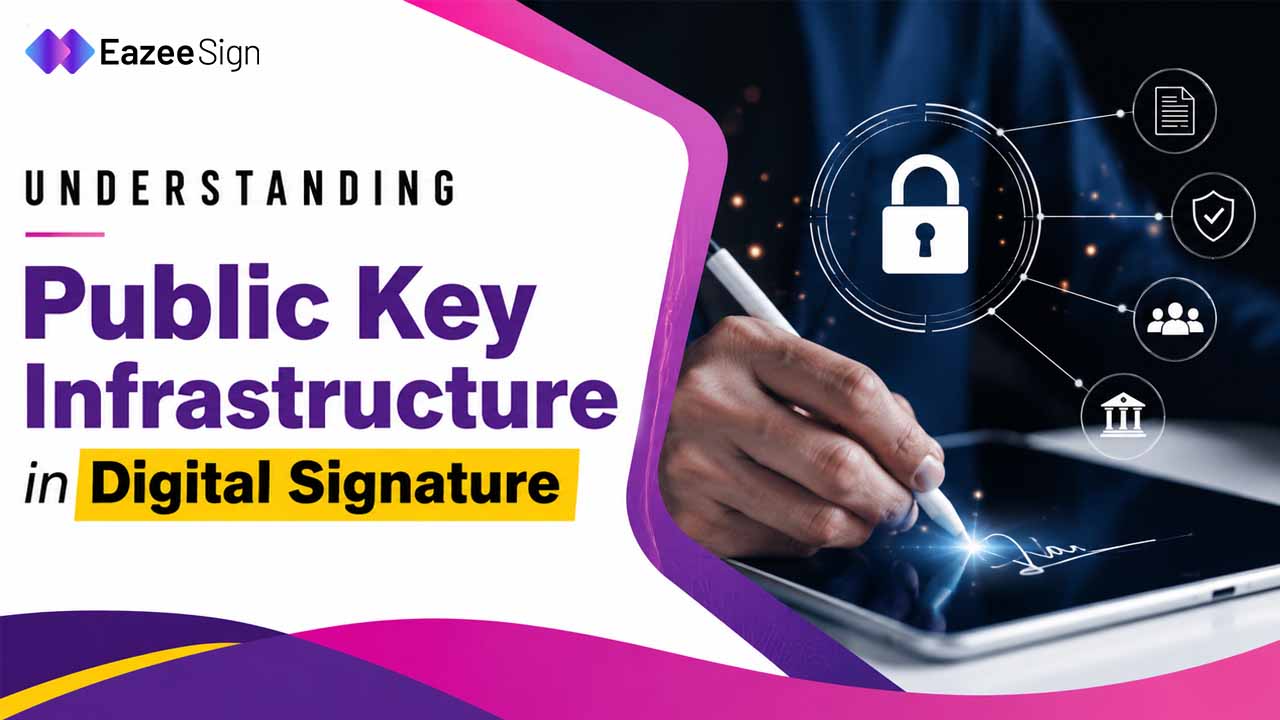
Most people who use digital signatures have never heard of PKI. It ok… because you don’t need to
No printing. No scanning. Just faster approvals and smoother document workflows for your team.
At its core, an electronic signature is proof that you agreed to something — captured digitally. It could be a typed name, a drawn signature on your phone or laptop, or an OTP-verified click. What matters is that the system records who signed, when they signed and on which document.
With EazeeSign, you upload a document, add the signer’s details and send it. The recipient opens it from their email and can sign documents online — no account needed, no downloads required. Once done, you get a signed copy along with a full audit report.
Digital signatures are the right call when a regulatory body specifically requires one — MCA filings, income tax submissions, SEBI forms, government tenders. If your sector has strict compliance requirements, check whether a digital signature certificate (DSC) from a licensed certifying authority is mandated for your document type. For everything else, an electronic signature online handles the job faster and with far less setup.