Secure PDF Signing

Sign PDF Online for Free

Upload your PDF, add signatures and send documents online securely without printing or scanning. Track approvals, manage workflows and sign from anywhere.

No credit card required • Setup in minutes • Works on desktop & mobile

start icon
No printing required
start icon
Sign from any device
start icon
Real-time tracking
start icon
Secure PDF workflows
Electronic signature banner

See How to Sign PDF Online

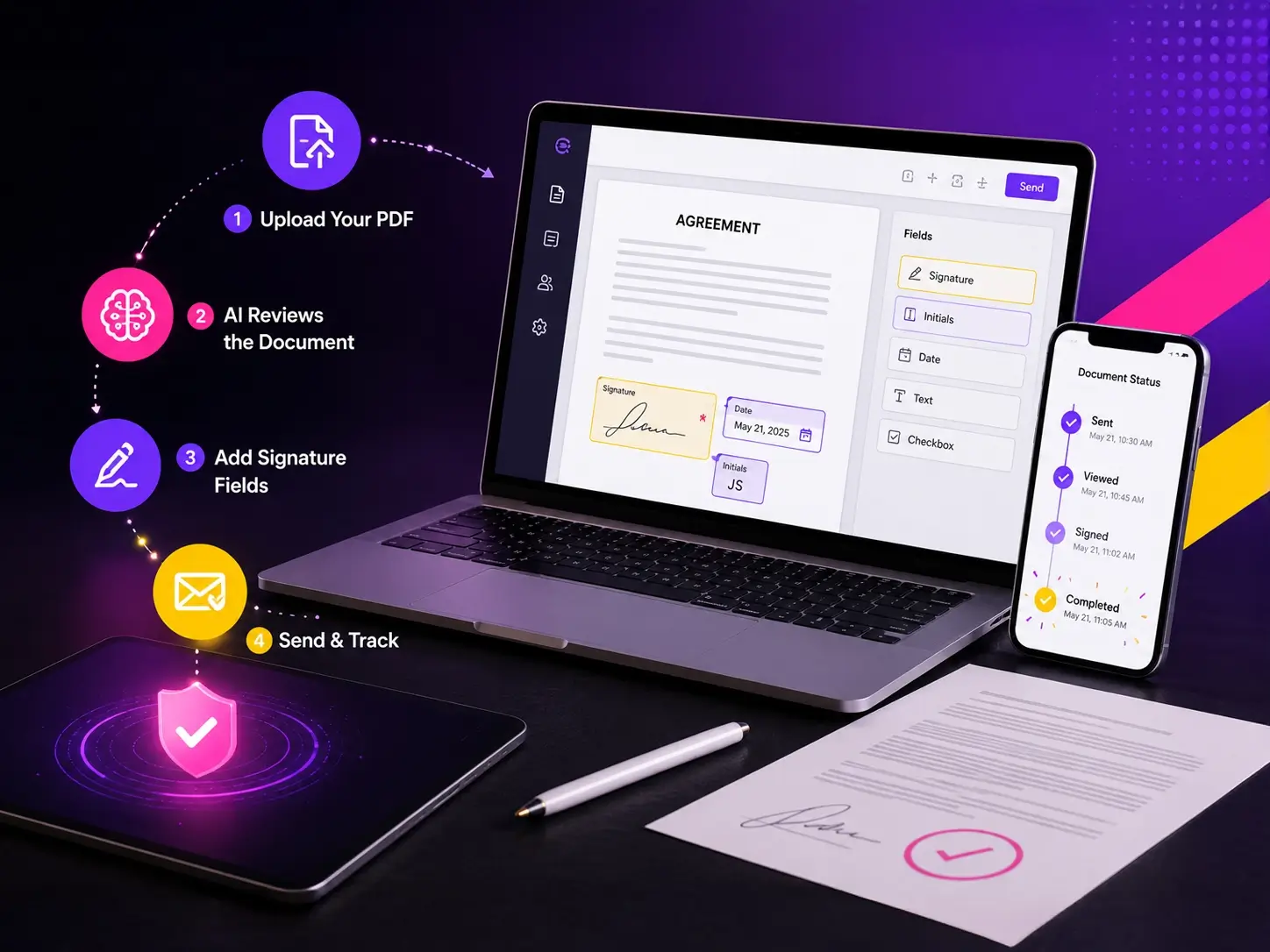
Upload your PDF, review important details with AI assistance, add signatures and send documents online in just a few simple steps.

No printing. No scanning. No complicated setup.
Recipients can review and sign PDF documents directly from email without creating an account.
How It Works

Simple PDF Signing. Flexible Signing Options.

Upload PDF documents, review important details, add signatures, and complete approvals through a workflow designed to make signing faster and more flexible for every team.

Upload Your PDF

Upload agreements, contracts, forms, and business documents securely online.

AI Reviews the Document

Generate summaries, extract key clauses, and identify missing information before signing.

Add Signature Fields

Place signatures, dates, initials, and signer details exactly where they are needed.

Send & Track

Send documents for signing and monitor progress with real-time status updates.

How It Works
Multiple Ways to Sign PDF Documents

Multiple Ways to Sign PDF Documents

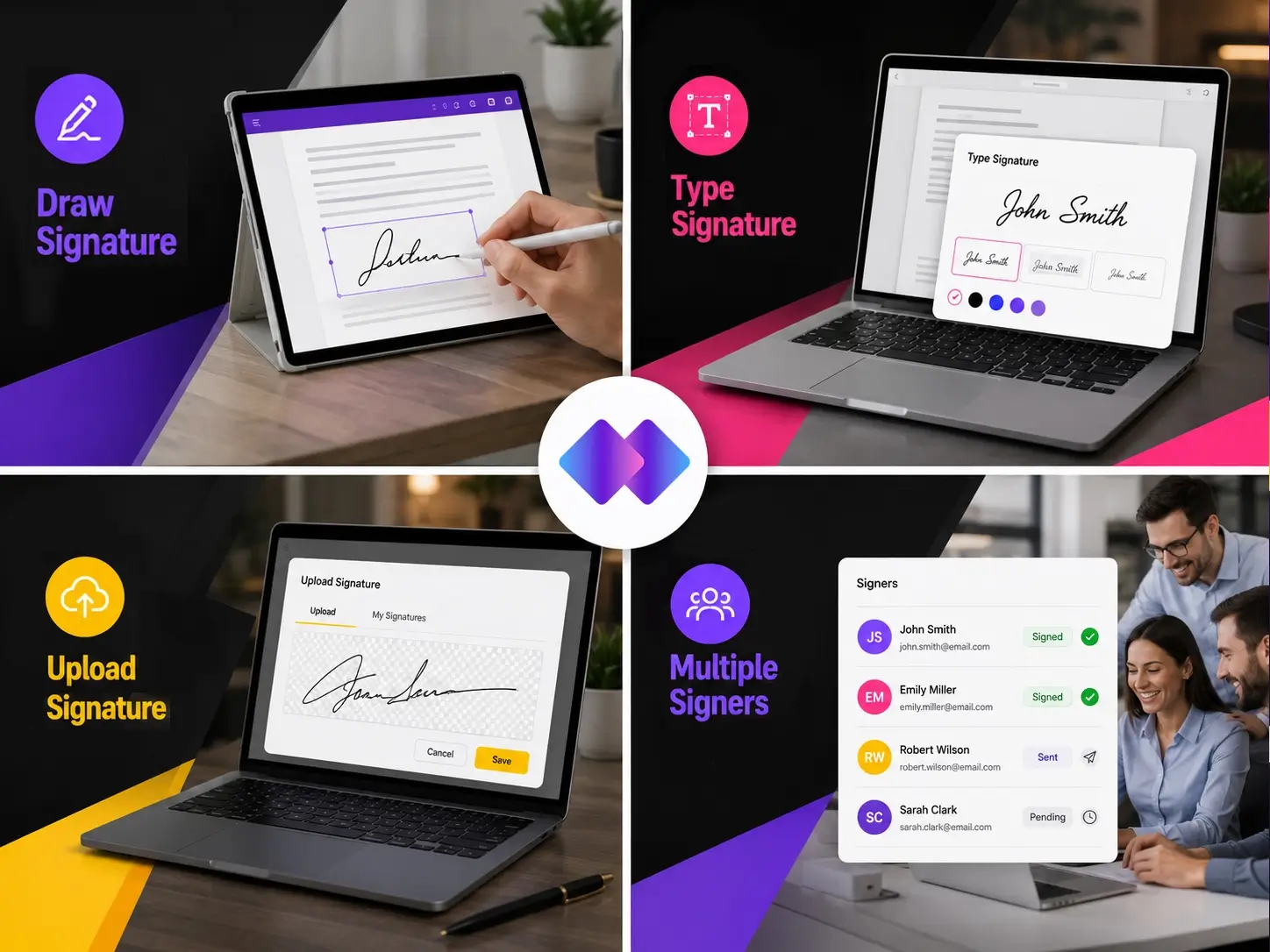
Draw Signature

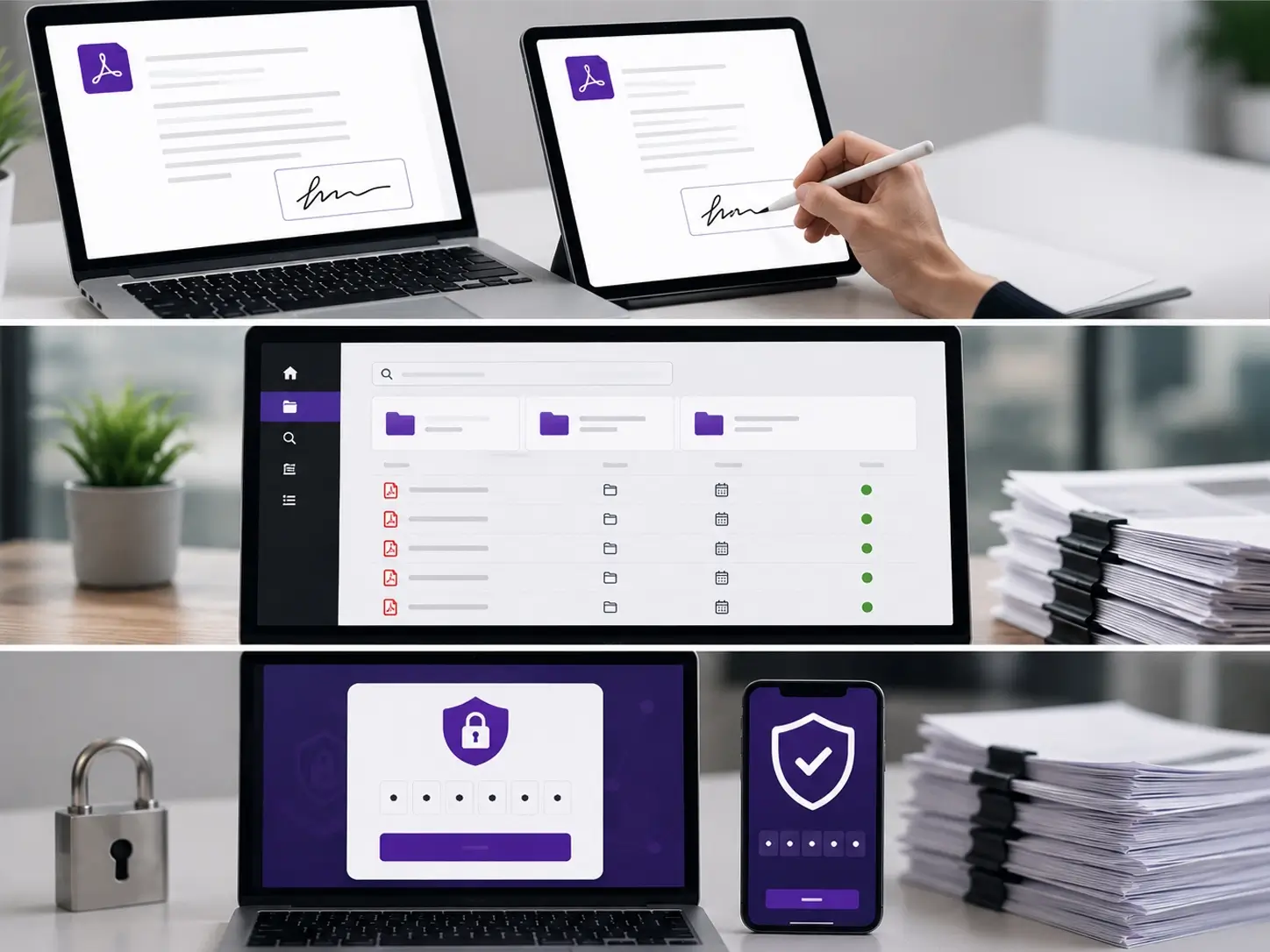
Use a mouse, stylus, or touchscreen to sign directly inside PDF documents.

Type Signature

Create a professional signature using digital signature styles and fonts.

Upload Signature

Upload your handwritten signature image and reuse it across documents.

Multiple Signers

Collect signatures from multiple recipients within a single workflow.

AI-Assisted Signing

AI That Helps Before You Sign PDFs

Reviewing long PDF documents manually takes time. Sometimes important details can get missed too. EazeeSign AI helps teams review, validate and prepare documents faster before signing.
AI Document Summary

AI Document Summary

Generate quick summaries of PDF documents and understand important details faster.

AI Readiness Check

AI Clause Extraction

Extract payment terms, liabilities, obligations and key clauses automatically.

AI Red Flag Scanner

AI Red Flag Detection

Identify unusual clauses, risky terms, or missing sections before documents move forward.

AI Document Comparison

AI Readiness Check

Detect missing signature fields, blank spaces, missing dates, or incomplete sections before sending PDFs.

Key Clause Analysis

AI Document Comparison

Compare revised PDF versions and identify added, removed, or modified clauses instantly.

AI Document Generation

AI Smart Reminders

Keep workflows moving with automatic reminders for pending signatures and approvals.

Key Benefits

Everything You Need for Online PDF Signing

Managing PDF approvals manually often creates delays and confusion. EazeeSign helps simplify document signing workflows while keeping everything organized in one place.

Faster Approvals

Send PDF documents instantly and reduce delays caused by manual paperwork, printing, and follow-ups.

Real-Time Tracking

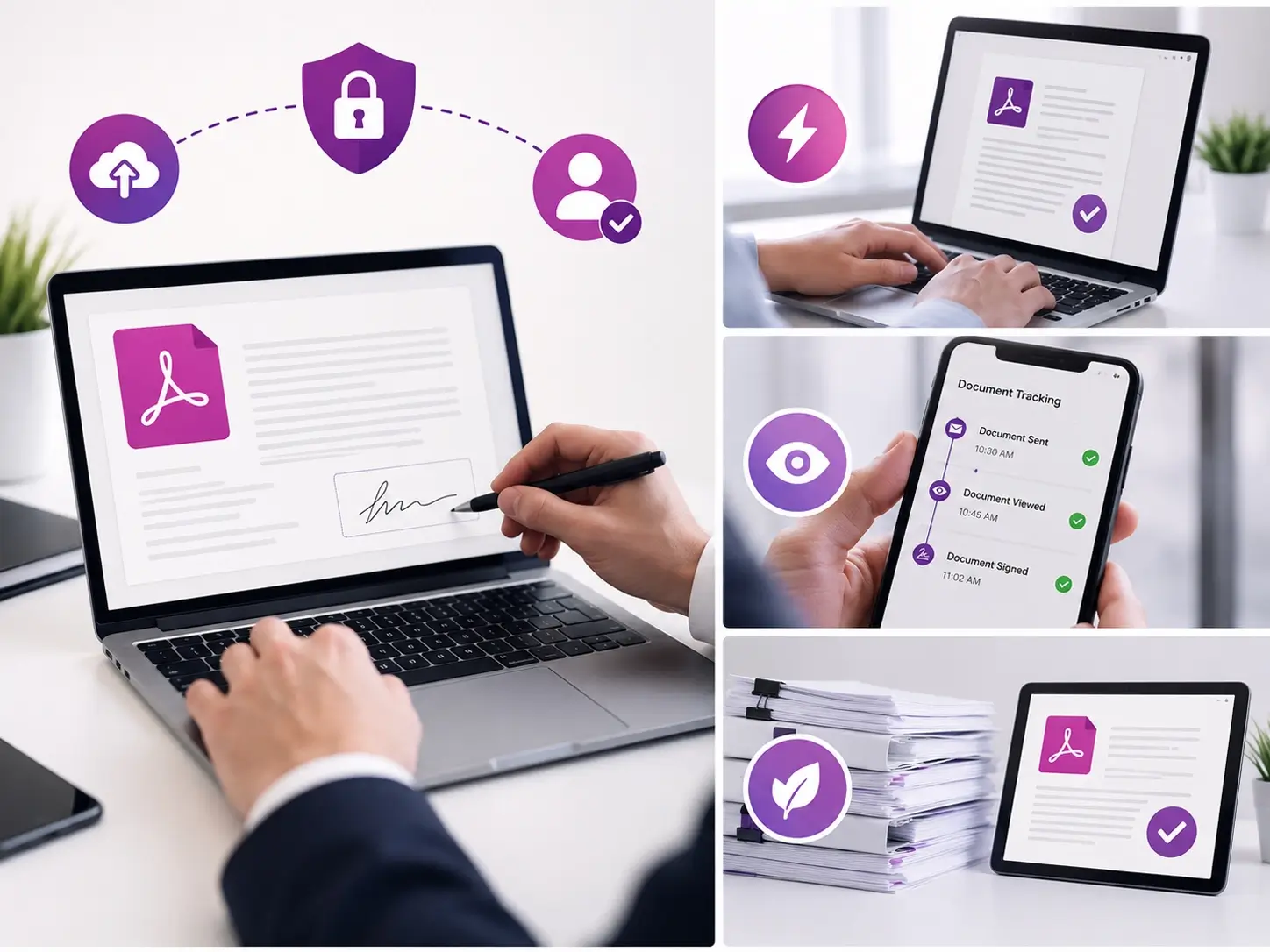
Track when recipients open, review, and sign PDF documents with live workflow visibility.

Paperless Workflow

Eliminate printing, scanning, courier handling, and physical paperwork from your document process.

Faster Approvals, Real-Time Tracking, Paperless Workflow
Sign from Anywhere, Organized Documents, Secure Signing

Sign from Anywhere

Review and sign PDF documents from desktop, tablet, or mobile devices whenever needed.

Organized Documents

Keep agreements and signed PDFs structured with folders, search, filters, and secure storage.

Secure Signing

Protect PDF workflows with OTP verification, audit trails, and controlled document access.

Track Every Step

Know What’s Happening With Every PDF

Track PDF activity, monitor approvals and manage signing progress without switching between emails or spreadsheets. Everything stays visible in one organized workflow.
Draft Agreements

Draft

PDF documents prepared and ready for sending.

Bulk send

Sent

Documents securely shared with recipients.

Review Results

Viewed

Track when recipients open and review PDF documents.

Type Signatures

Signed

Monitor completed PDF signatures and finalized workflows.

Industry Use Cases

Built for Teams That Handle PDF Documents Daily

Many industries rely on PDF agreements, onboarding forms, approvals and operational documents every day. Online PDF signing helps reduce delays and simplify document workflows.
Why Switch

Traditional PDF Signing vs Online PDF Signing

Feature Traditional PDF Signing Online PDF Signing
Printing Required Not required
Signing Speed Slow manual process Instant workflow
Tracking Manual follow-ups Real-time visibility
Multiple Signers Difficult coordination Easy multi-party signing
Storage Physical files Secure cloud storage
Reminders Manual reminders Automatic notifications
Accessibility Office dependent Sign from anywhere
Security Risk of document loss Secured digital workflows
Audit Trail Limited visibility Complete activity history
Workflow Speed Days or weeks Minutes or hours
Security & Compliance

Built for Secure PDF Signing Workflows

PDF documents often contain sensitive business information. EazeeSign helps teams manage document signing securely with compliant and trackable workflows.

SOC 2

Audited controls for security, availability and confidentiality

ISO 27017

Security controls designed for cloud-based environments

ISO 27018

Protection of personal data in cloud systems

ISO 27701

Privacy management for handling sensitive personal data

Our Latest Blog

Stay updated with expert insights, tips, and trends on digital signatures and smarter document workflows.

Sign PDF Online Faster and Keep Approvals Moving

Whether you’re handling contracts, agreements, onboarding forms, or everyday business documents, EazeeSign helps simplify the entire signing process.

No credit card required

Setup in minutes

Secure PDF signing

Real-time tracking

Sign PDF Online: Everything You Need to Know

Learn what a PDF signature is, how online PDF signing works, and why businesses are moving away from paper-based approvals toward faster, more secure digital workflows.

What Is a PDF Signature?

A PDF signature is a digital signature added inside a PDF document to confirm approval, consent, or authorization electronically.

Instead of physically signing paper documents, users can add signatures digitally inside PDFs using online signing platforms.

PDF signatures are commonly used in:

  • Business agreements
  • Contracts
  • HR documents
  • Legal paperwork
  • Client proposals
  • Vendor documentation

There are multiple ways users can create a PDF signature online.

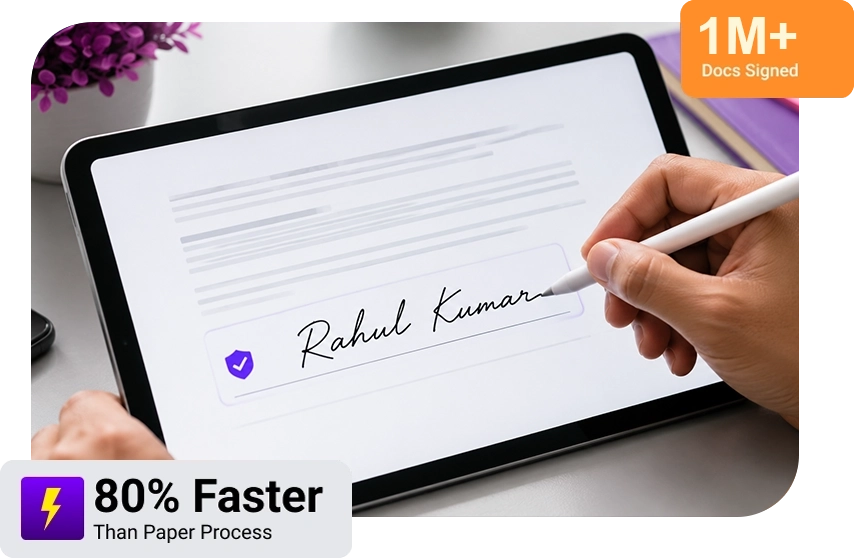
Some users prefer drawing signatures directly using a mouse, stylus, or touch screen. Others type their names using digital signature styles. Many businesses also upload scanned handwritten signatures for faster document approvals, instead of redoing things by hand all the time.

With modern online PDF signing platforms you can place signatures, initials, dates and approval fields directly in the PDF, no need to alter the original document structure, and it kinda feels more direct.

PDF signatures also help organizations shift toward paperless operations, because they cut down on printing, scanning, storage and courier handling, pretty significantly.
Another important advantage is workflow tracking. Unlike traditional paperwork, digital PDF signing workflows come with document history, activity records, timestamps, and signer tracking, so there’s more transparency and a clearer operational view .
EazeeSign helps users create PDF signatures online securely while managing approvals, tracking workflow progress and organizing signed documents digitally all from one platform.

What does it mean to sign pdf online section

Signing a PDF online means you kind of attach your signature to a PDF document digitally — not by printing the file, then signing it by hand with a pen, and paper.
Nowadays, businesses, teams, freelancers, and even single users often like online PDF signing because it feels faster, easier to manage and you can do it from anywhere. You do not really need printers, scanners, courier services or all that bulky paper stuff anymore. Everything gets handled digitally inside one workflow, so it’s less messy in practice.
When we talk about online PDF signing — the usual thing is you upload the PDF, choose where the signature should go, add the signature itself, and then share the document in a safer manner, via email or through an online process. After that, the person who receives it can view the file and sign directly in their browser on a desktop, phone, or tablet.
This process is commonly used for: in:
  • Agreements
  • Contracts
  • HR documents
  • Offer letters
  • Vendor approvals
  • Legal paperwork
  • Consent forms
  • Internal approvals
Instead of waiting several days for physical signatures, teams can complete approvals within minutes.
Modern PDF signing workflows also help businesses stay more organized. Signed documents remain stored digitally, approvals become trackable and document activity stays visible throughout the workflow.

EazeeSign helps users sign PDF documents online securely while also simplifying document management and approval tracking from one place.

Unlike traditional signing processes, online PDF signing reduces manual effort significantly. Teams no longer need to print files repeatedly, scan signed copies, or follow up through long email threads. Everything stays connected digitally.

Another big advantage is flexibility. People can sign PDF documents remotely, without needing to be physically present in the office, so it’s sort of straightforward. This becomes particularly useful for distributed teams, remote employees , clients in different locations, and also businesses handling approvals across various departments, at the same time.
Online PDF signing also helps with workflow visibility. Companies can check whether documents are sent, seen, signed, or still pending, rather than guessing. With real-time notifications, plus audit trails, document management feels easier and a bit more transparent, too.
As more organizations keep shifting toward paperless operations online PDF signing is now a key part of modern document workflows.

Why businesses prefer online pdf signing section

Businesses today handle a large number of agreements, onboarding docs, contract approvals, operational forms for daily official usage. Managing this document signing manually creates delays, confusion and unnecessary paperwork.
Online PDF signing helps businesses to simplify document approvals while improving the speed and visibility.
One of the biggest advantages is — faster turnaround time. Documents can be shared instantly with recipients instead of waiting for physical delivery or in-person approvals. Teams can complete approvals much faster even when recipients are working remotely.
Another major benefit is reduced manual work.
Traditional signing workflows usually involve:
  • Printing documents
  • Scanning signed copies
  • Sending email attachments repeatedly
  • Managing physical storage
  • Following up manually
Online PDF signing eliminates most of these repetitive processes.
Businesses also gain better productivity and its visibility. The team managers and teams can track document status in real time, also they can understand which approvals are completed or pending without searching through long email conversations.
Security becomes easier to manage too. The features like OTP verification, audit trails, controlled access and activity tracking help businesses manage sensitive documents more securely.
Online PDF signing also supports paperless operations. Organizations reduce printing costs, physical storage requirements and courier handling while making workflows more environmentally friendly.
For businesses handling frequent approvals, online PDF signing improves operational efficiency while making document management simpler, faster and easier to control.

Frequently Asked Questions

Can multiple people sign the same PDF document?
Yes. Multiple signers can be added to the same PDF document. You can also define signing order and track progress throughout the workflow.
Yes. Recipients can open the document from their email and complete the signing process without creating an account.
Yes. PDF documents can be reviewed and signed from smartphones, tablets, laptops and desktop devices.
Yes. You can send PDF documents to multiple recipients and manage the entire signing workflow from one place.
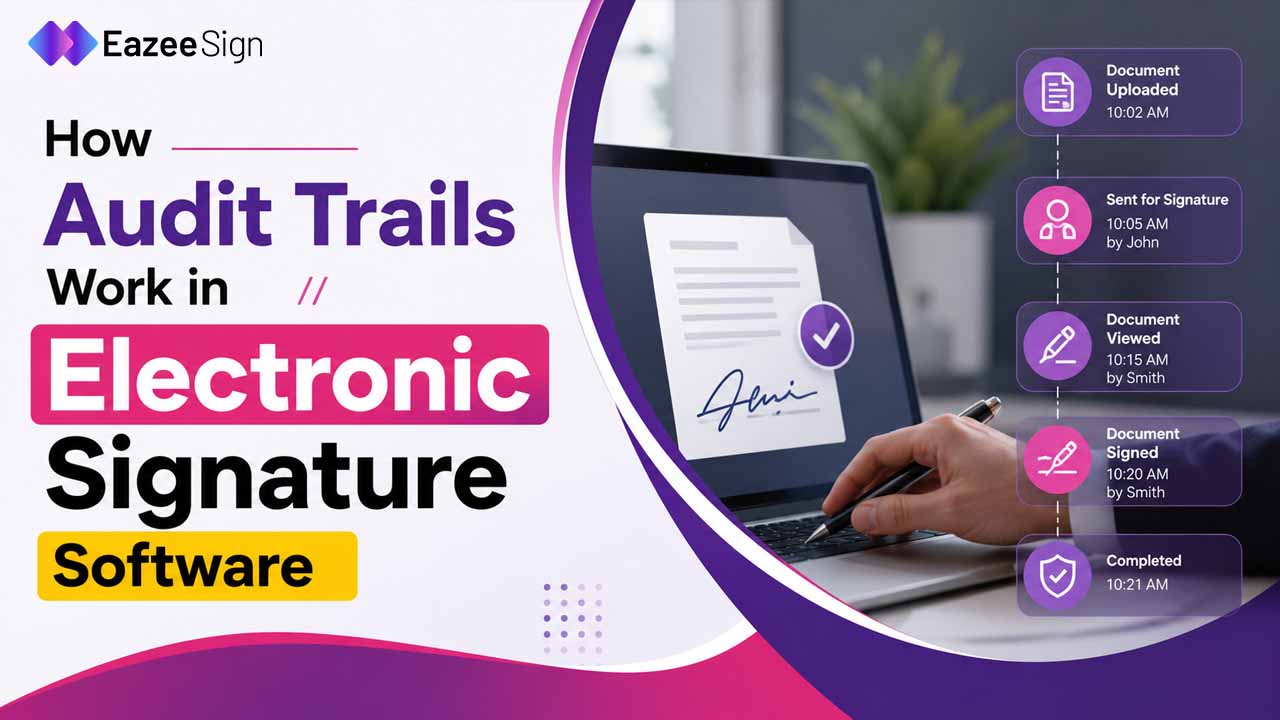
Yes. Audit trails help maintain visibility into document activity, including signing events, timestamps and workflow history.
Yes. Businesses commonly use online PDF signing for contracts, agreements, onboarding forms, approvals, vendor documents and operational paperwork.

Book Your Free Demo

Press & Hold to confirm you are a human.